Edie Makes Learning Easy
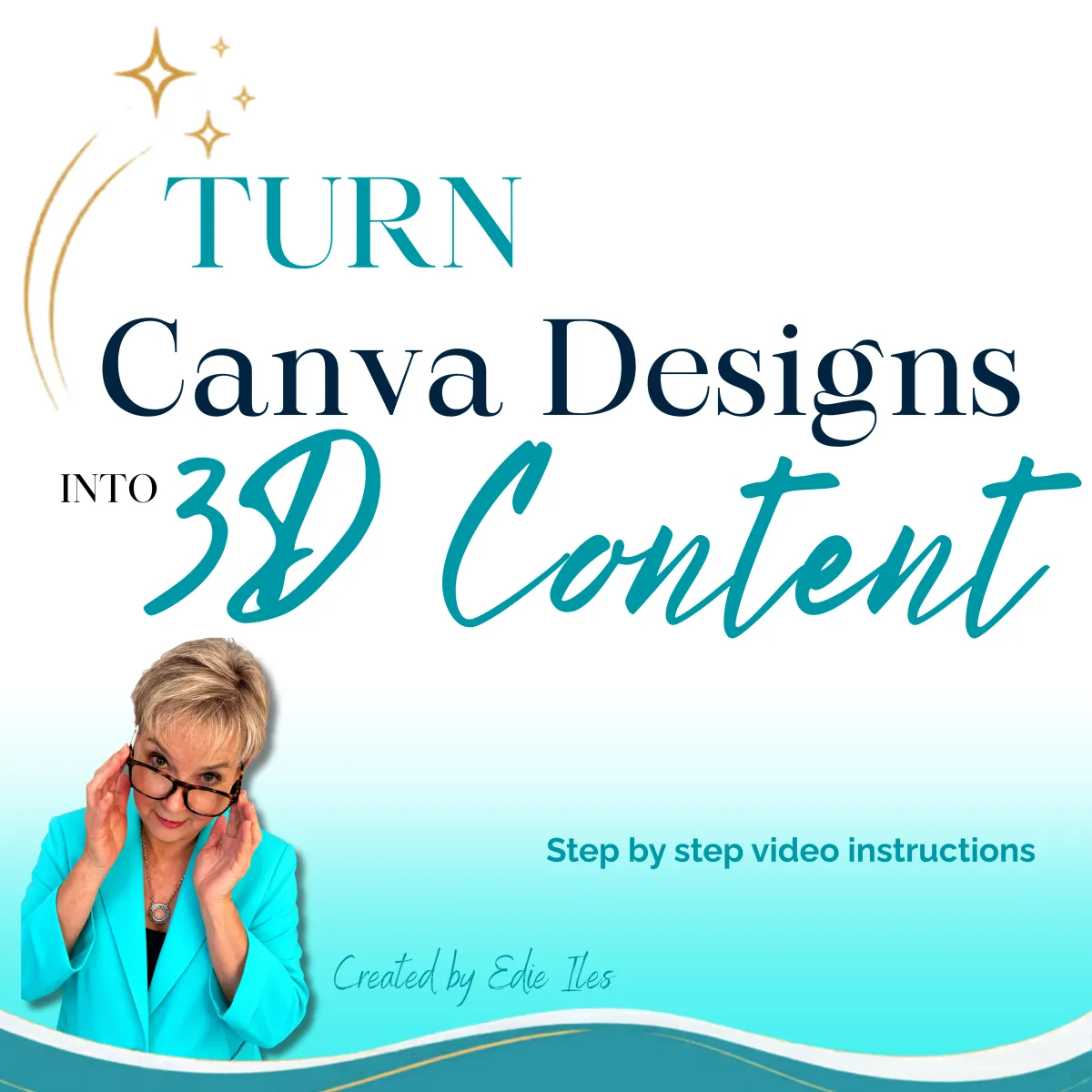
Turn Canva Designs Into 3D Content
Learn how to create stunning animated carousel type posts that grab attention and stop the scroll.
You will learn:
Why Carousels Work
Planning Your Carousel
Designing in Canva
Creating the 3D Effect
Finalizing Your Carousel
Repurposing Your Content
Bonus - 10 Carousel ideas for any business

You will leave with:
✅ A completed 3D carousel
✅ A repeatable content creation system
✅ More confidence using Canva
✅ Ideas you can use right away
✅ A new way to make your content stand out
What Others Are Saying

Jana Schautz
"The sound quality is phenomenal! Every note feels alive, and I’ve never experienced music this immersive before."
Vikki Taylor
"I struggled with one particular application, feeling utterly intimidated by the process. Edie, with her unwavering patience and innovative approach, took the necessary steps to help me break through this mental block. I am beyond appreciative of Edie's efforts and the impact she has had on my journeyc."

Carole Limon
"Thanks to Edie Iles coaching, I was able to uncover my true passion and gain the clarity I needed to pursue it with confidence and purpose.."
Have Questions? Get Answers Here!
Do I need Canva Pro?
No. Most of the training can be completed with a free Canva account. However, some Canva elements and features demonstrated may require Canva Pro.
Is the 3D app free?
At the time this training was created, the app used in this was available to use inside Canva at no additional cost. Features and pricing may change in the future.
How long is the training?
The training is designed to be easy to follow and can typically be completed in about an hour.
Do I need design experience?
Not at all. This lesson is designed for beginners and includes step-by-step instruction.
Will I be able to create my own 3D carousel?
Yes! By the end of the training, you'll have a completed 3D carousel and a simple system you can use again and again.
Can I use these techniques for my business?
Absolutely. The techniques taught in this lesson can be used for business, personal branding, marketing, promotions, educational content, and more.
Will this work for Facebook and Instagram?
Yes. You'll learn how to create content that can be used for Facebook, Instagram, Stories, Reels, and other social media platforms.
What if I have questions?
I'm happy to help! If you get stuck or have questions while working through the lesson, please reach out and I'll do my best to point you in the right direction.
Do you offer refunds?
Because this is a digital product that is delivered immediately upon purchase, all sales are final and no refunds are offered.
However, if you experience difficulty accessing the training or have questions about the material, please contact me. I want you to have a positive learning experience and will gladly assist you whenever possible.
Can I share this training with others?
This training is for your personal use only and may not be shared, copied, distributed, or resold without written permission.
© Copyright Edieiles.com-All rights reserved